Poster Design Guide
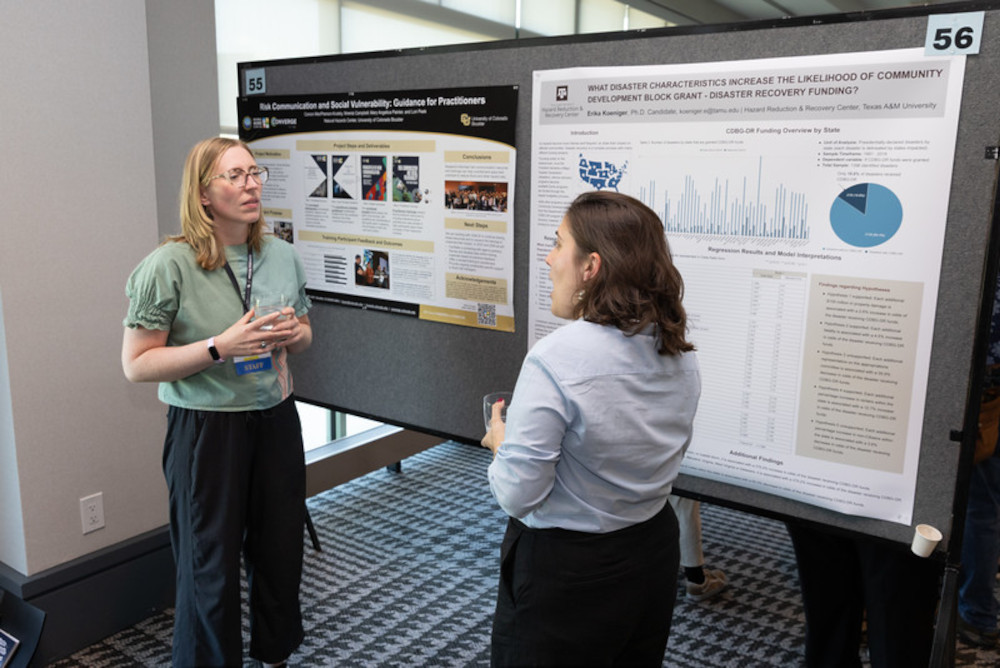
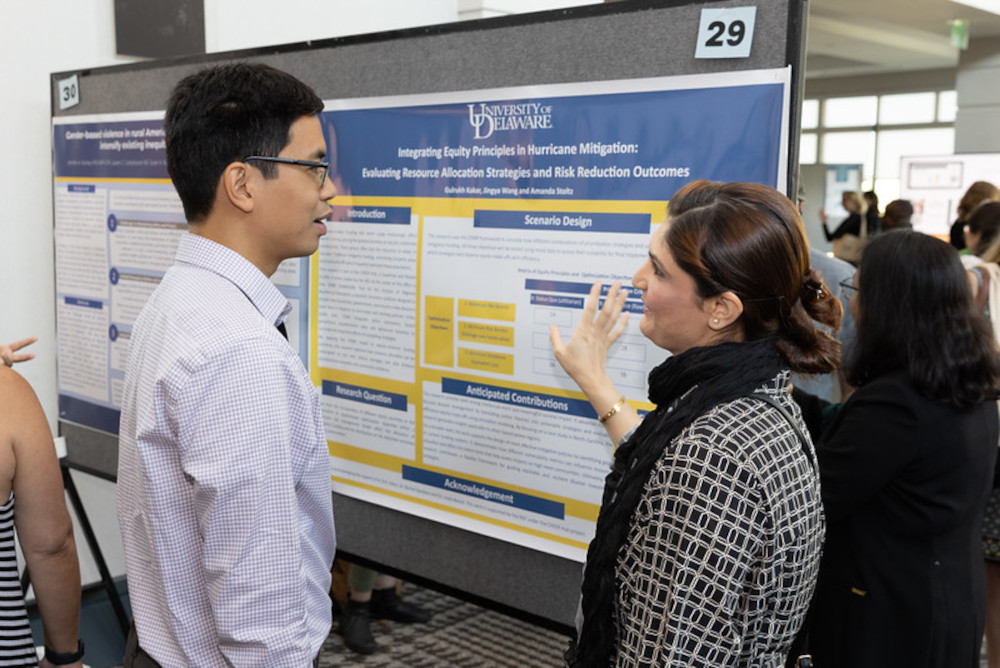
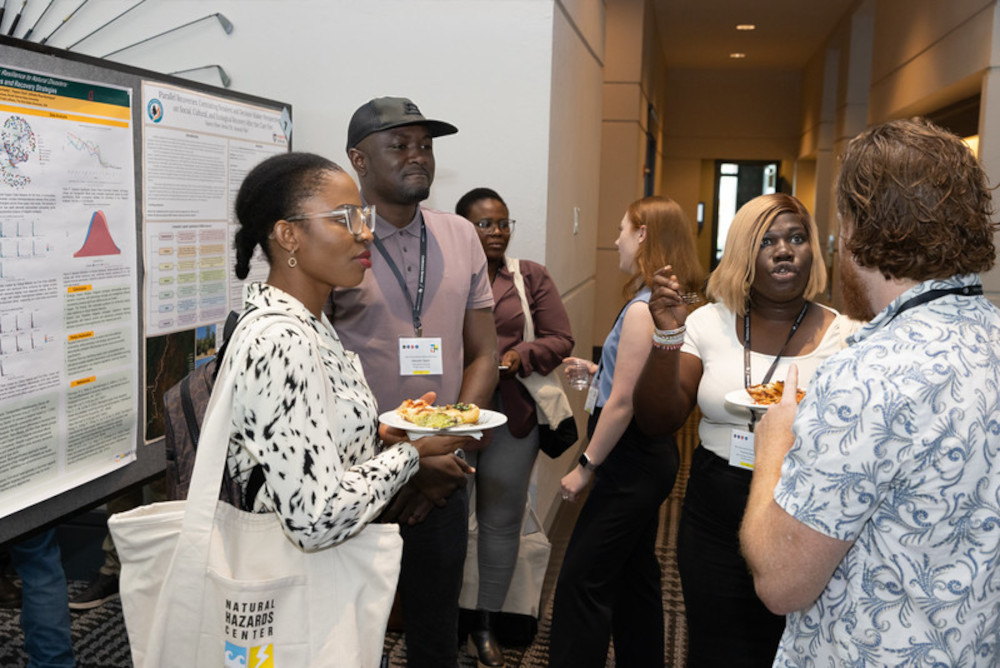
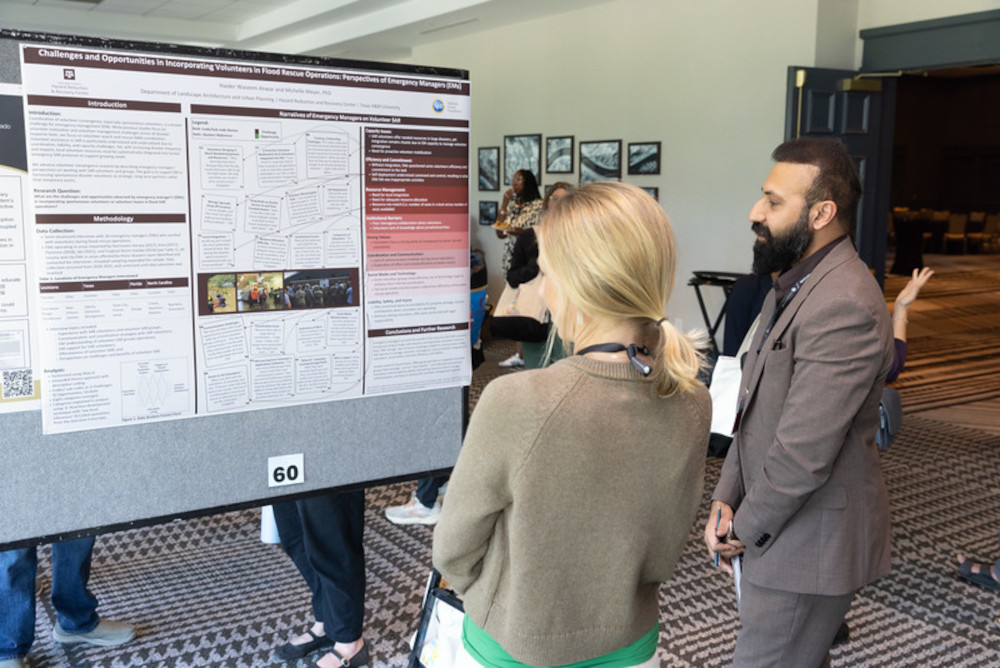
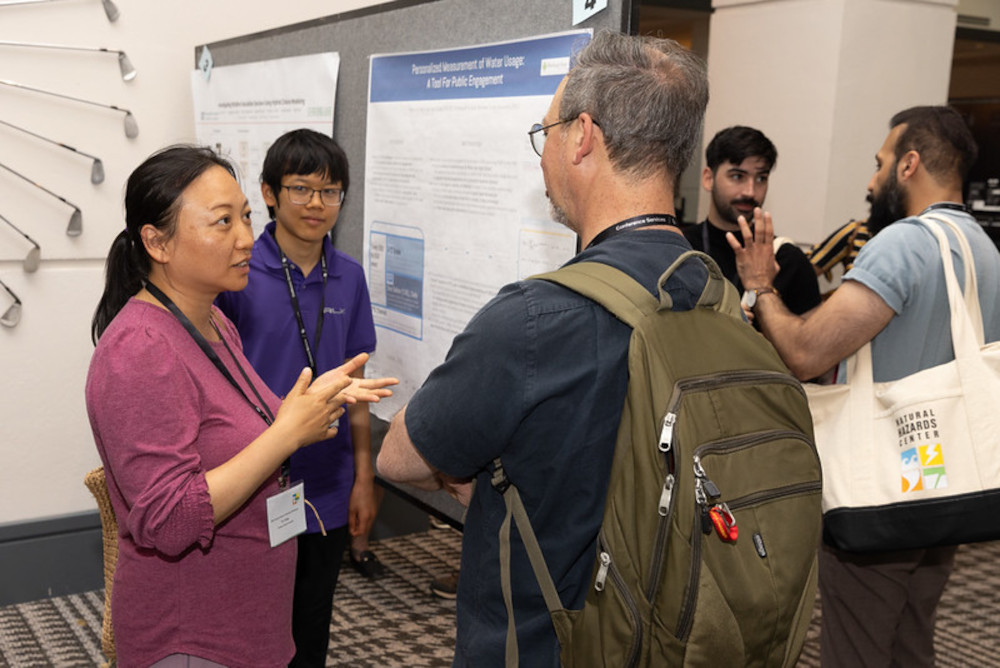
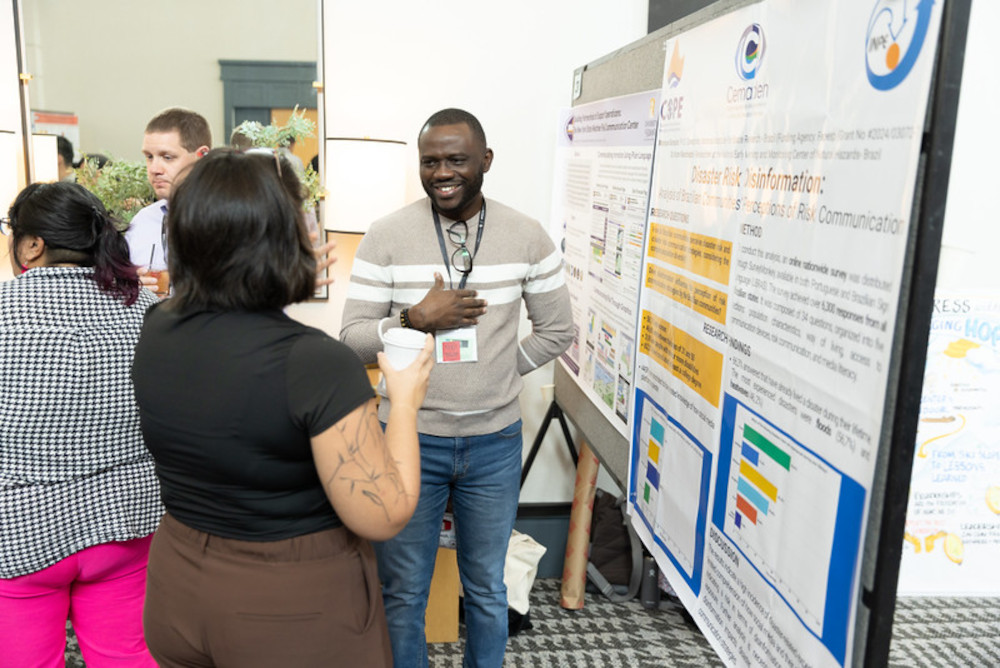
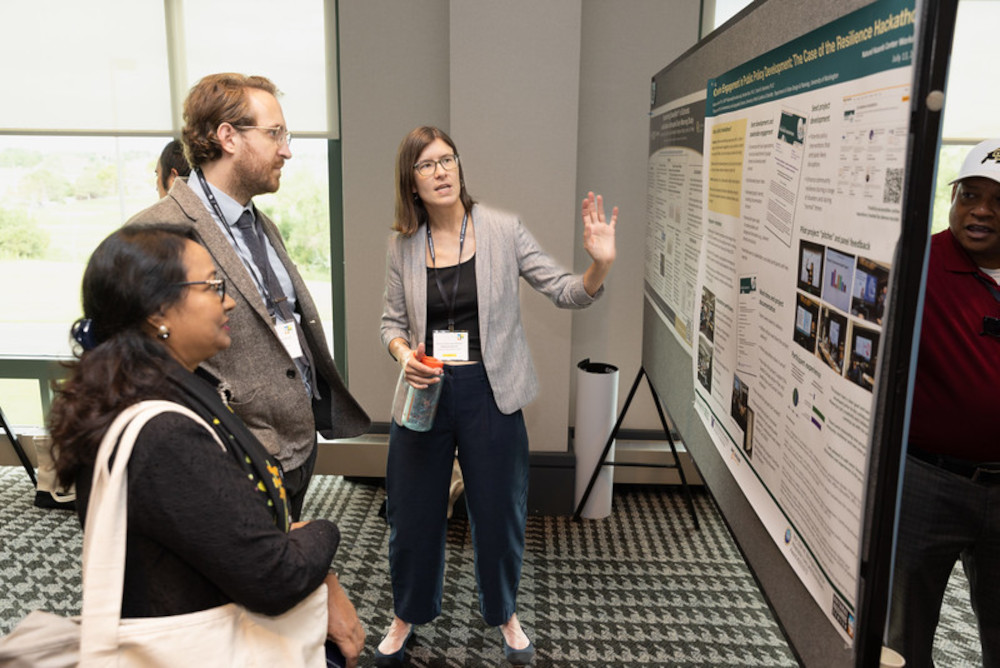
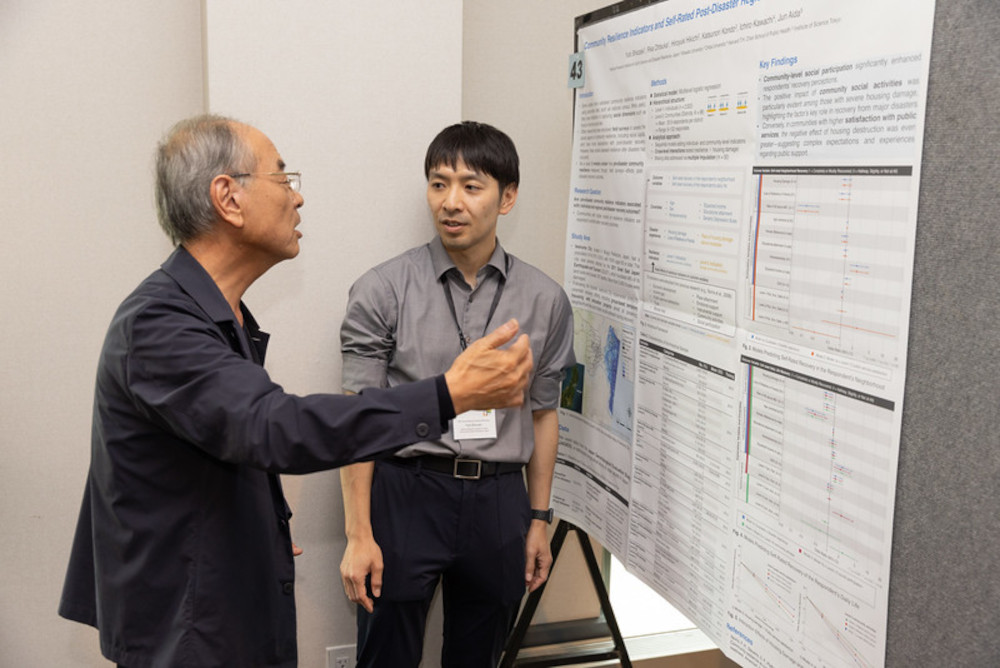
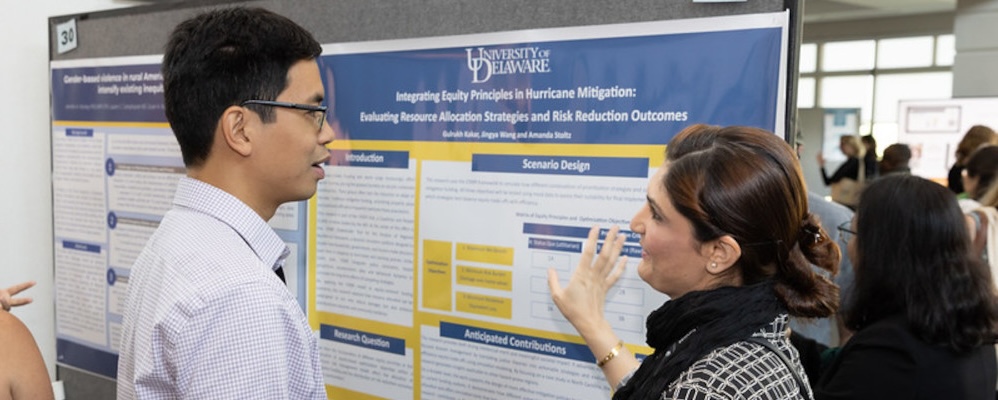 Photo from the 2025 Natural Hazards Workshop, courtesy of our photographer Chip Van Zandt. For more photos, visit the Workshop Gallery at the Van Zandt Visual website.
Thank you for participating in the Poster Session at the Natural Hazards Workshop! The purpose of this Poster Design Guide is to help you create a visually engaging, intellectually stimulating poster that provides content that readers remember long after the event.
To that end, this year we ask that all poster session participants to include an Applications Box on your poster, where you will highlight your project’s potential contributions to policy or practice.
Required Poster Elements
Please ensure your poster satisfies these three requirements:
1. Dimensions
Posters must fit in a 4-ft X 4-ft space. Do not exceed dimensions larger than 48-in. wide X 48-in. tall. Rectangular (horizontal or vertical) or square layouts are acceptable.
2. Applications Box
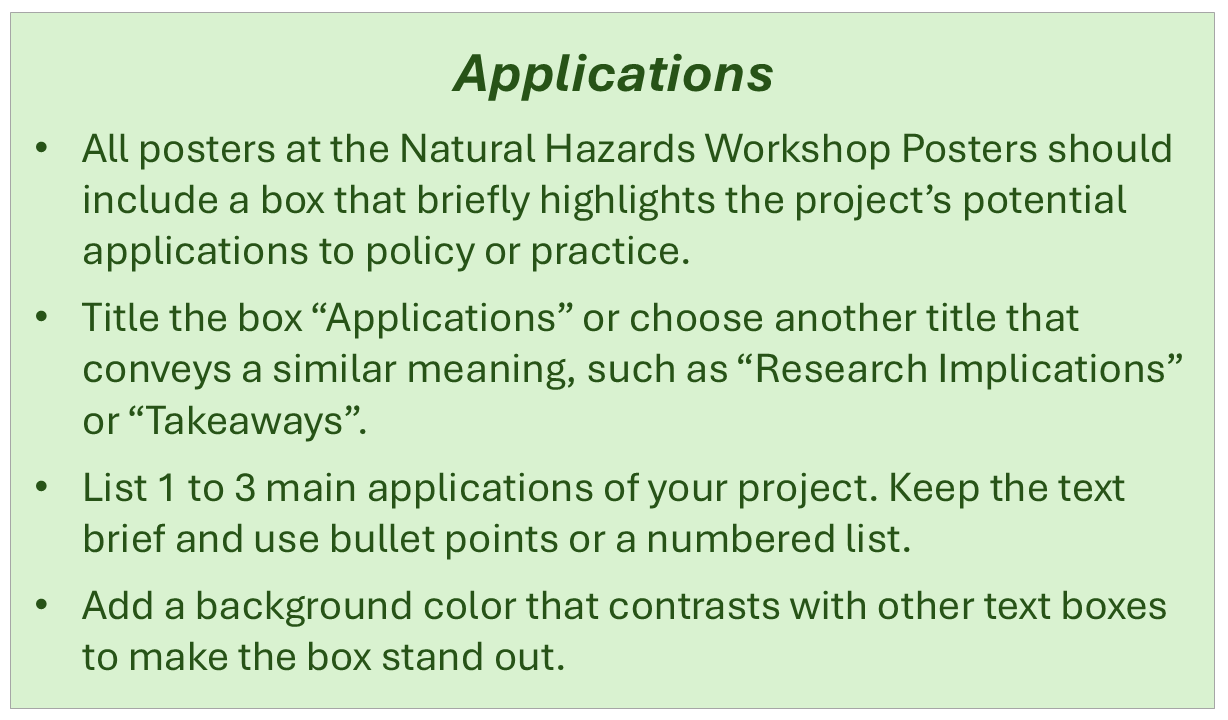
Posters should include a box that briefly highlights the project’s potential applications to policy or practice. The content of this box will vary depending on the project’s topic and stage of development. Authors whose project is at an early stage should describe how the work could be applied in the future. Authors who are at a later stage may already have specific examples to include.
The box should list 1 to 3 main applications of your project. Keep the text brief and use bullet points or a numbered list. To make the box stand out, you might want to add a background color that contrasts with other text boxes.
Please title the box “Applications” or choose another title that conveys a similar meaning such as “Research Implications” or “Takeaways”.
If you’d like to see some example poster layouts with this callout box we are asking people to include this year, please reach out to us at workshop@colorado.edu.
3. Accessible Design
The Workshop aims to have the most accessible poster presentations possible. It is important to choose fonts, text sizes, and colors that are accessible to most audiences. Also, because a digital PDF version of your poster will be part of the Workshop’s online program, you should make the PDF accessible to people using screen readers. Please see our Guide for Accessible Presentation Slides and Posters for steps you can take to create an accessible poster.
Strongly Encouraged Poster Design Elements
Decades of hosting poster sessions have given us insight into what makes a compelling poster, and the tips below reflect what we have learned from our participants! While these elements are not required, we do hope you will turn to them as you take on the challenge of poster-making.
Provide a clear narrative. Effective posters have a narrative and key guideposts that are easy to follow. Before you start designing your poster, identify the main point you want readers to walk away from your poster with. Keep it simple. Include only those details that are essential to telling your project’s core story. Use bold headers or other graphics, like project timeline markers, to help keep the viewer engaged.
Limit text. Less is more when it comes to text. Readers tend to get overwhelmed by text-heavy posters or hard-to-read fonts and skip over them. Aim for written text that takes only 3–5 minutes to read (approximately 750 to 1,250 words).
Use visuals, but don’t overdo it. Graphs, flow charts, photos, and other visuals are a great way to communicate on a poster. Focus on developing 2 to 5 visuals that are part of your poster’s narrative. Avoid adding too many images as it can lead to information overload. When in doubt, use less.
Make text sizes readable. Most people should be able to read your poster comfortably from 5 feet away. A useful rule of thumb for the text size for each section of the poster is below:
- Main title: 72 point (minimum) - 158 point (ideal)
- Section headings: 42 point (minimum) - 56 point (ideal)
- Body text: 24 point (minimum) - 36 point (ideal)
- Captions: 18 point (minimum) - 24 point (ideal)
Leave blank space. Brains need space to process information. Leave space around titles, text boxes, and images. Avoid the urge to fill blank spaces with non-critical information.
Choose accessible, high contrast colors. Using beautiful colors helps make your poster more interesting to look at but make sure the text and background colors in your poster have sufficient contrast and are accessible to readers with color-blindness or low vision impairments. See the color choice tools and tips in our Accessible PowerPoint and PDF Guide.
Avoid jargon and acronyms. Your poster should be accessible to those not in your discipline or organization. Jargon and acronyms lower accessibility and they should be avoided.
Use QR codes or bit.ly links. You cannot and should not try to tell the full story of your project in a poster. But you can provide people with ways to learn more about the project. Use QR codes or bit.ly links that give quick access to online project webpages, articles, reports, or author websites.
Provide contact information. Put the name of the contact person and their email address on the poster. This gives readers the opportunity to follow up with questions and continue the conversation after the poster session has ended.
Further Reading
These helpful articles and data visualization resources helped us to create this Poster Design Guide.
- How to design an effective scientific poster, by Paul Byrne
- Designing conference posters, by Colin Purrington
- Academic poster resources, by Yale library
- Data visualization: Your guide to great data visualizations!, by Yale Library
- Using infographics to communicate hazards research, by Carson MacPherson-Krutsky
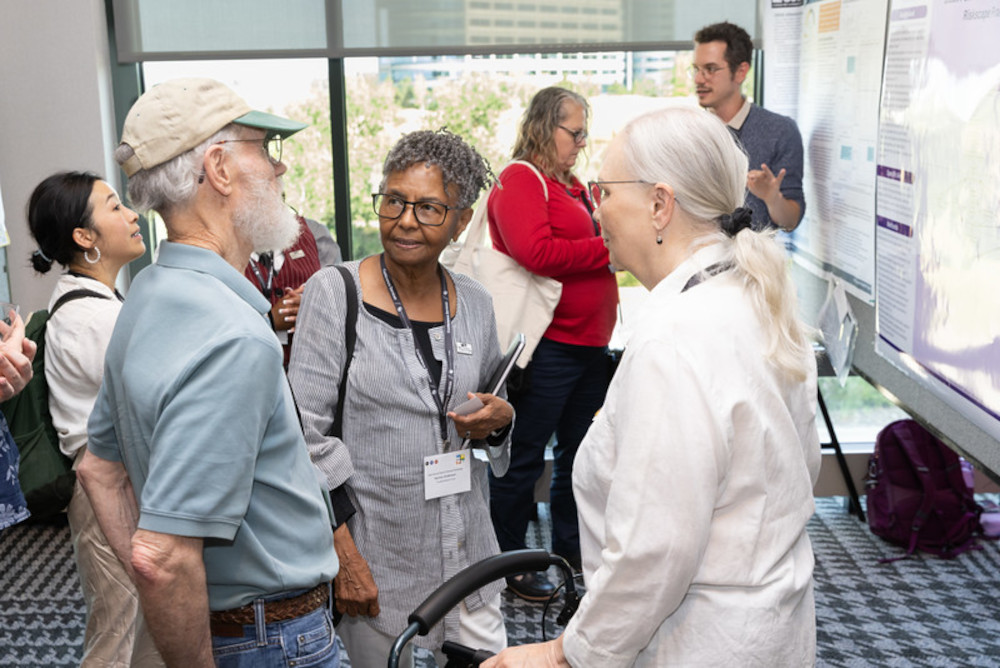
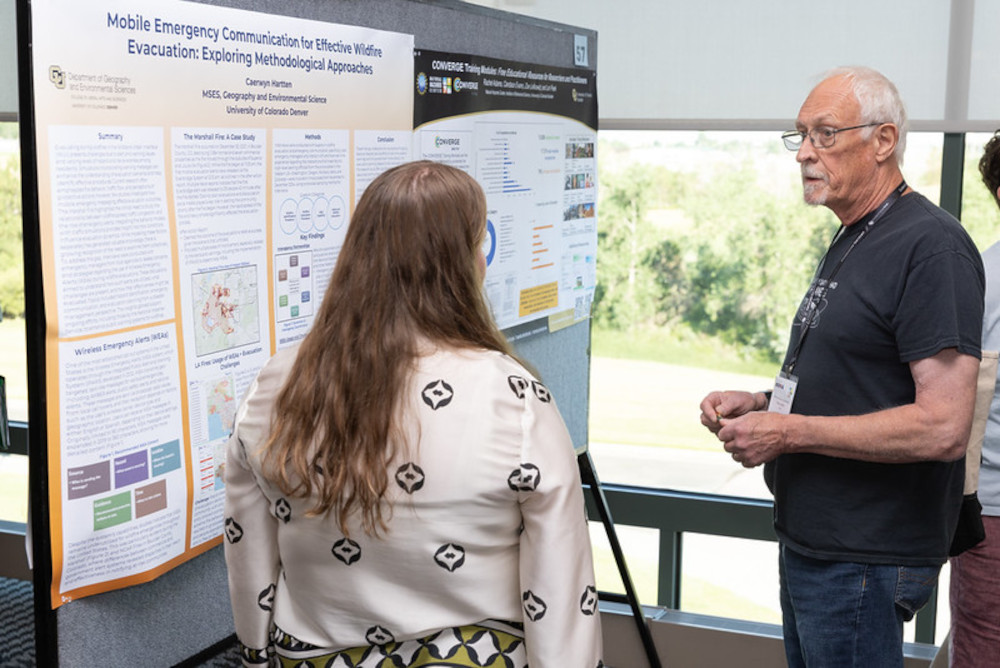
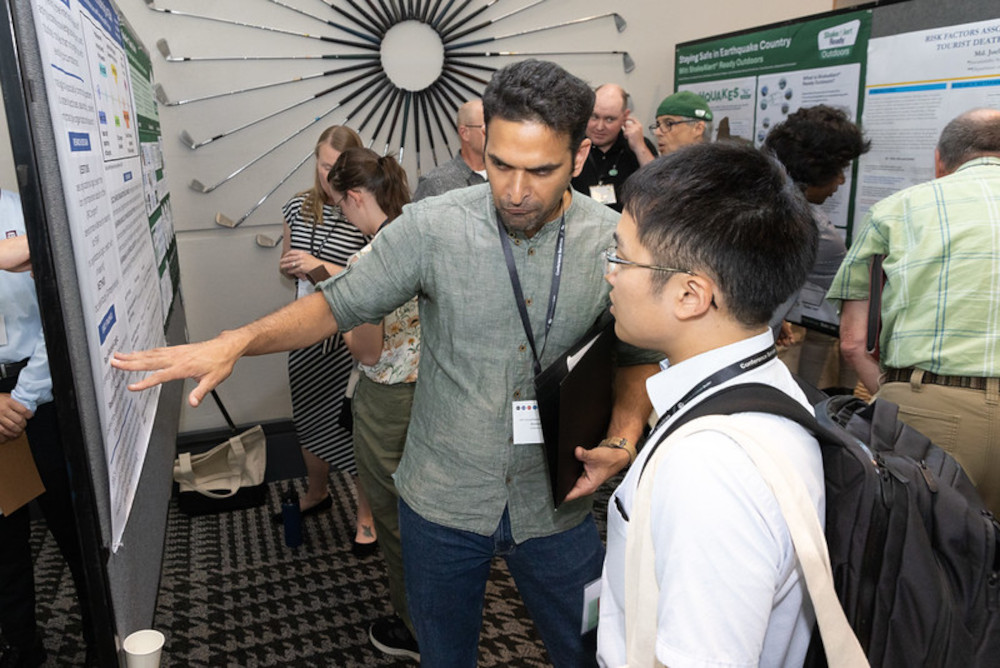
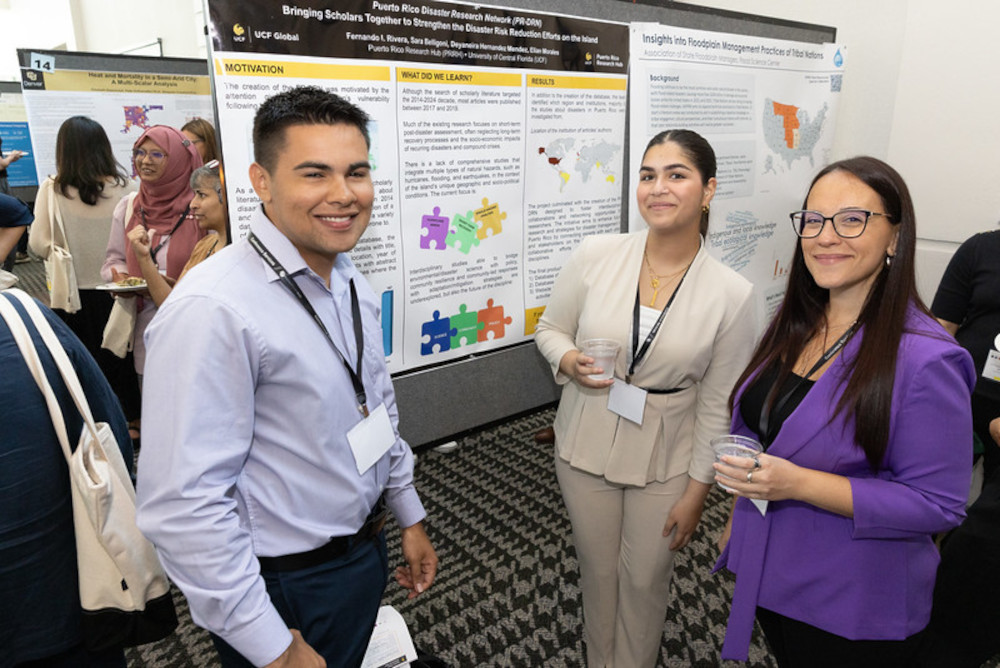
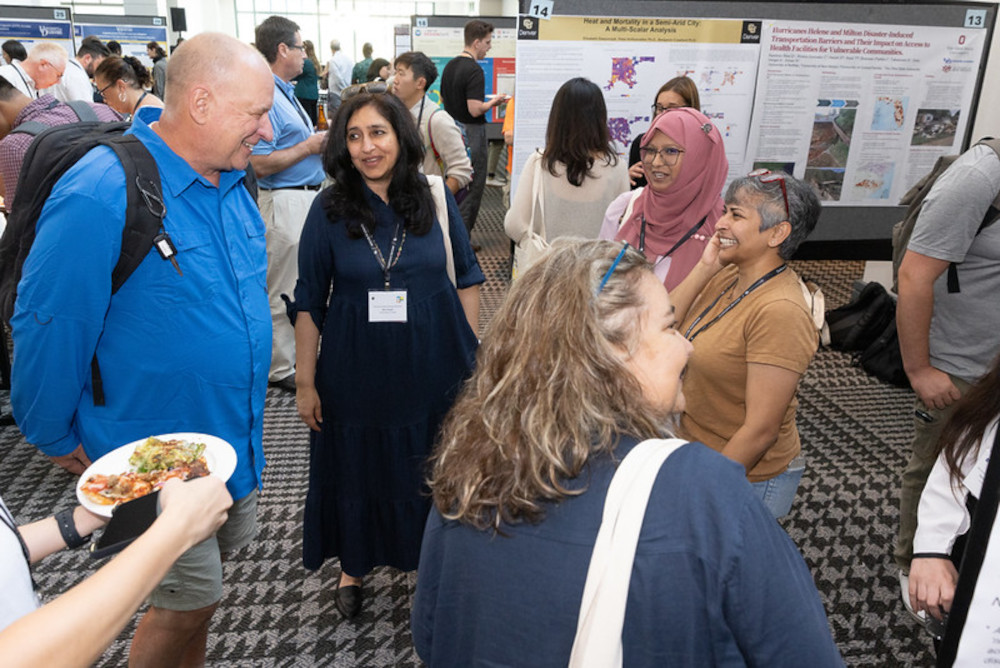
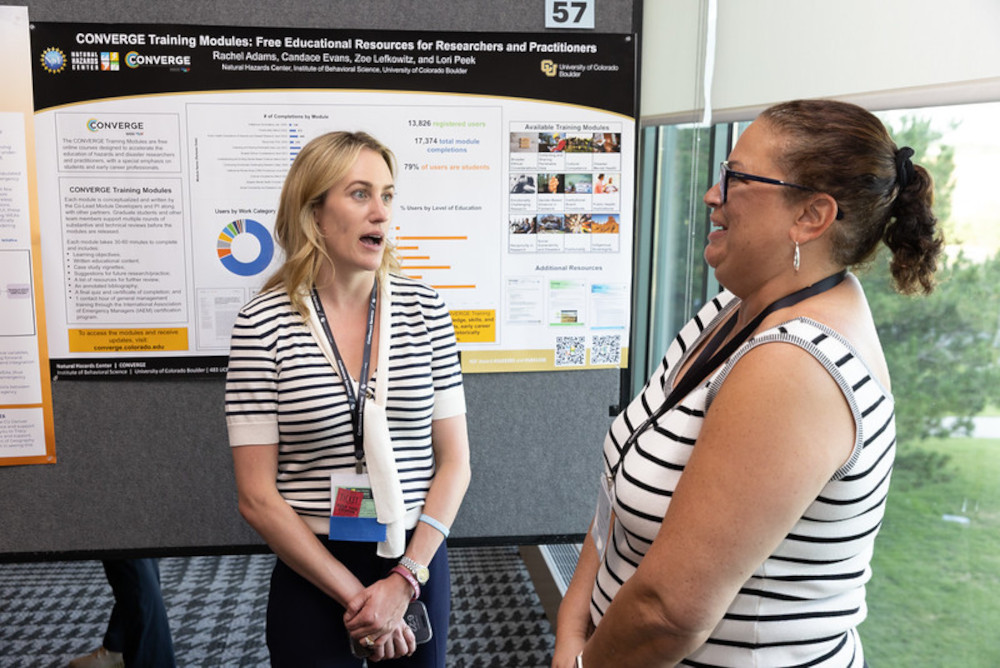
Photos From the 2025 Natural Hazards Workshop Poster Sessions
Questions and Further Guidance
If you have questions about making your poster for the Natural Hazards Workshop or comments about this guide, please email us at workshop@colorado.edu. Also, if you’d like to see example poster layouts and how we’d like the Applications box to appear this year, feel free to email us!